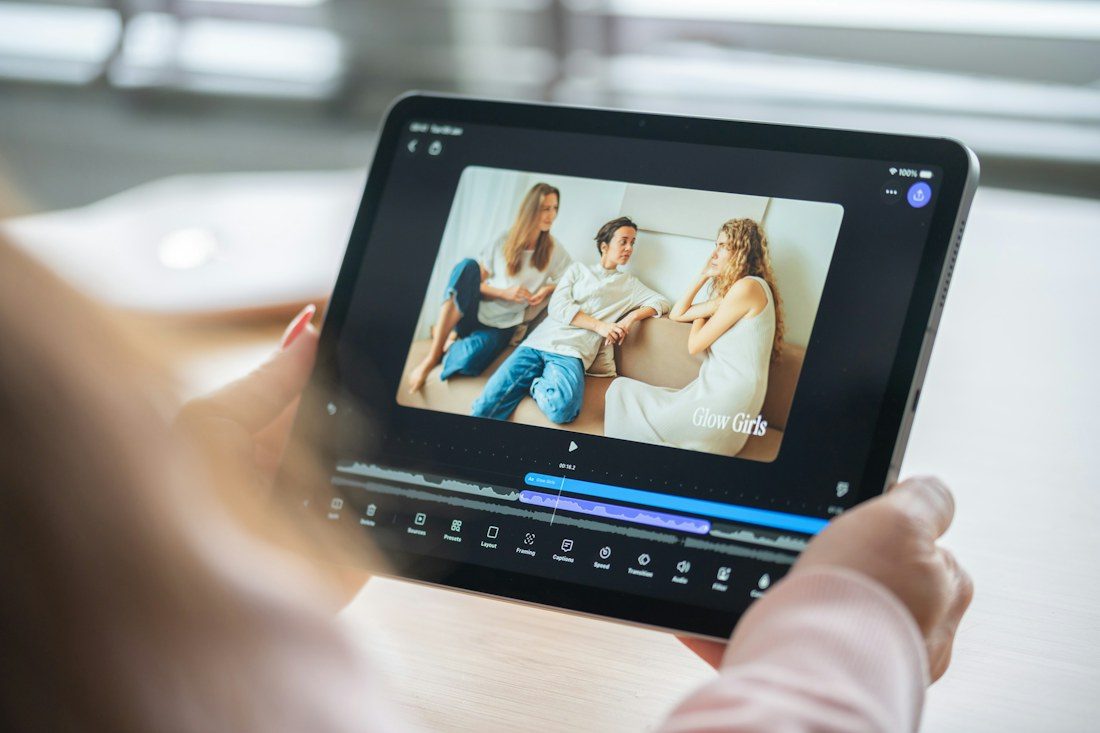
Correct words can still be difficult to follow when they appear too early, vanish too quickly, or remain on screen after the speaker has changed topic. Subtitle timing deserves its own review after transcription. Use the finished video and the exact text track intended for publication. Checking a few isolated entries in an editor will not reveal every problem that appears during continuous viewing.
Confirm the video and track belong together
Match the file versions and confirm the language label. A subtitle track made before the introduction was shortened may drift throughout the rest of the video. Start at the beginning and check a few landmarks, including a middle section and the ending, before making individual adjustments.
If the whole track is displaced by a similar amount, investigate that common offset rather than moving every caption separately. If alignment changes over time, check the source and export workflow. Do not assume one timing adjustment fixes a track that belongs to a different edit.
Watch the text arrive with the explanation
Play at normal speed and observe where each caption begins and ends relative to the spoken phrase. The text should follow the audio meaningfully without revealing an answer long before it is said or lingering into an unrelated sentence. Preserve pauses where they help the viewer understand the structure.
Check speaker changes and demonstrations carefully. A label or spoken instruction should not remain attached to the wrong person or the wrong stage of a task. Follow any project captioning specification for detailed timing rules; avoid applying an arbitrary universal duration to every phrase.
Allow time to read and look
Long entries may need splitting into coherent phrases rather than merely extending over the next sentence. Read the captions without relying on the sound and notice where you fall behind. In a tutorial, the viewer also needs to inspect the hand movement, tool, or screen being explained.
Inspect line breaks and positioning in the destination player. Keep important demonstrations and on-screen labels visible, considering the options the player supports. Different players may render the same track differently, so an editor preview alone is not the final presentation check.
Review the published preview
Upload the approved video and track to a private or draft preview where available. Turn captions on and watch the complete piece, including its first and last entries. Check language selection and that the intended track loads. After corrections, replace the obsolete file and repeat the affected passage with surrounding context before publishing.
Keep the approved subtitle file beside the exact video it accompanies. If you later create a shorter social version or remove a section, prepare and review timing for that version separately. Good timing lets the text support the explanation without becoming another task the viewer has to struggle to keep up with.