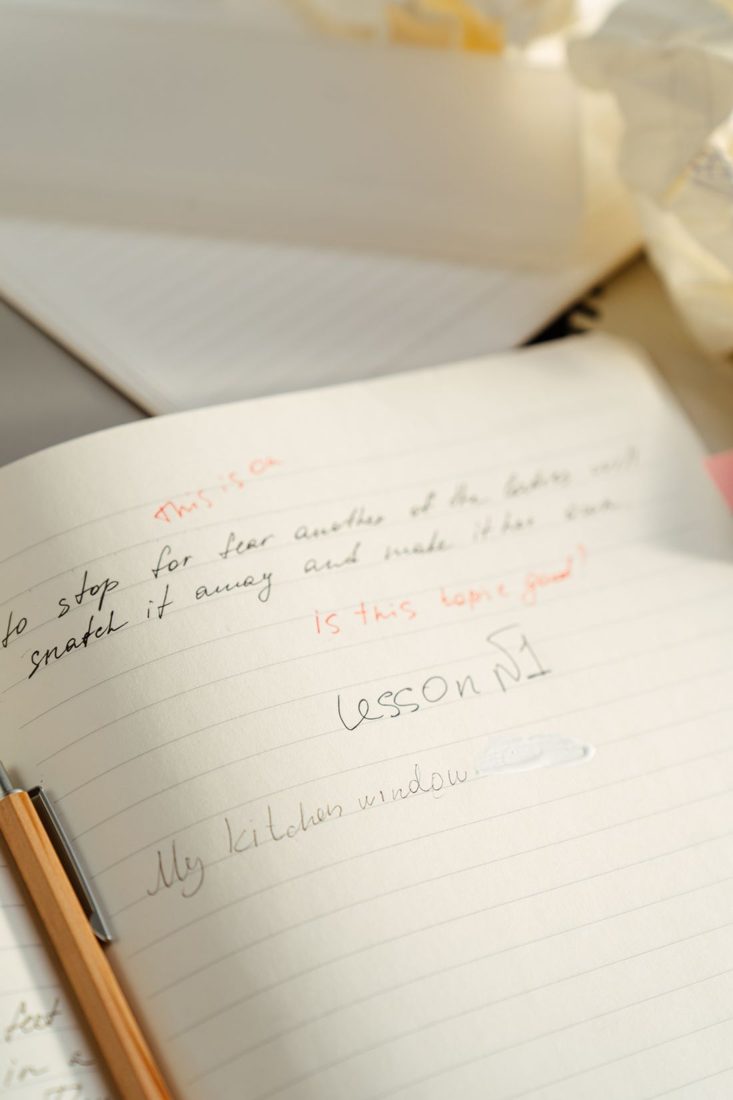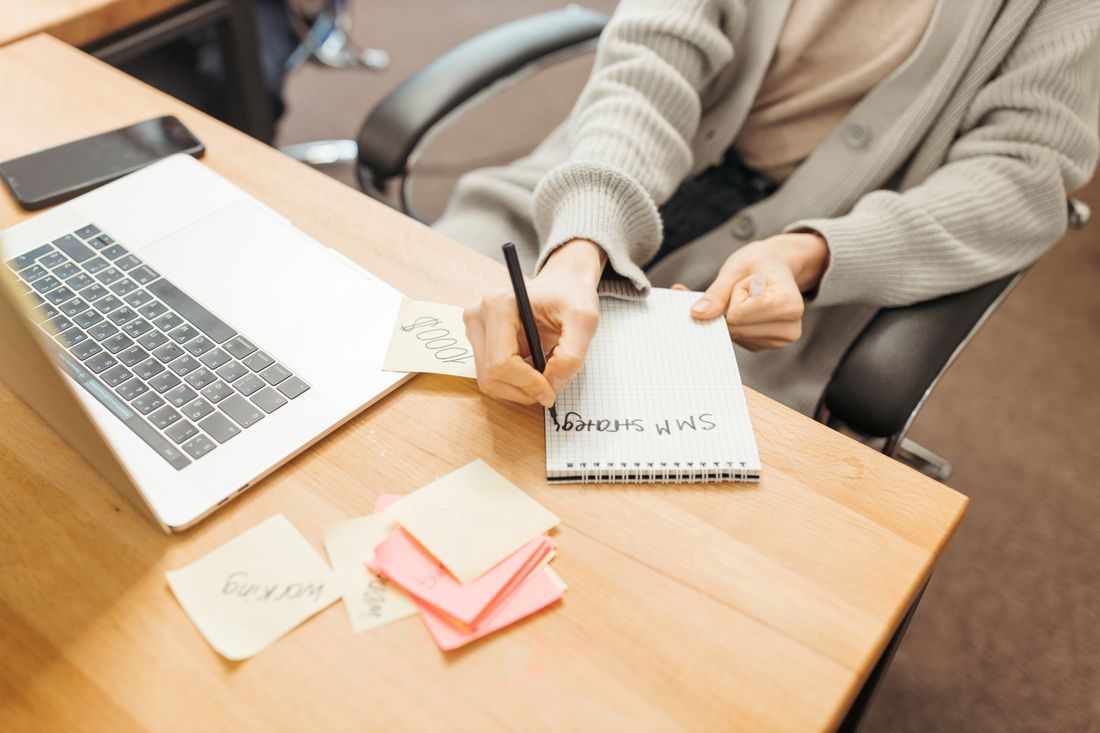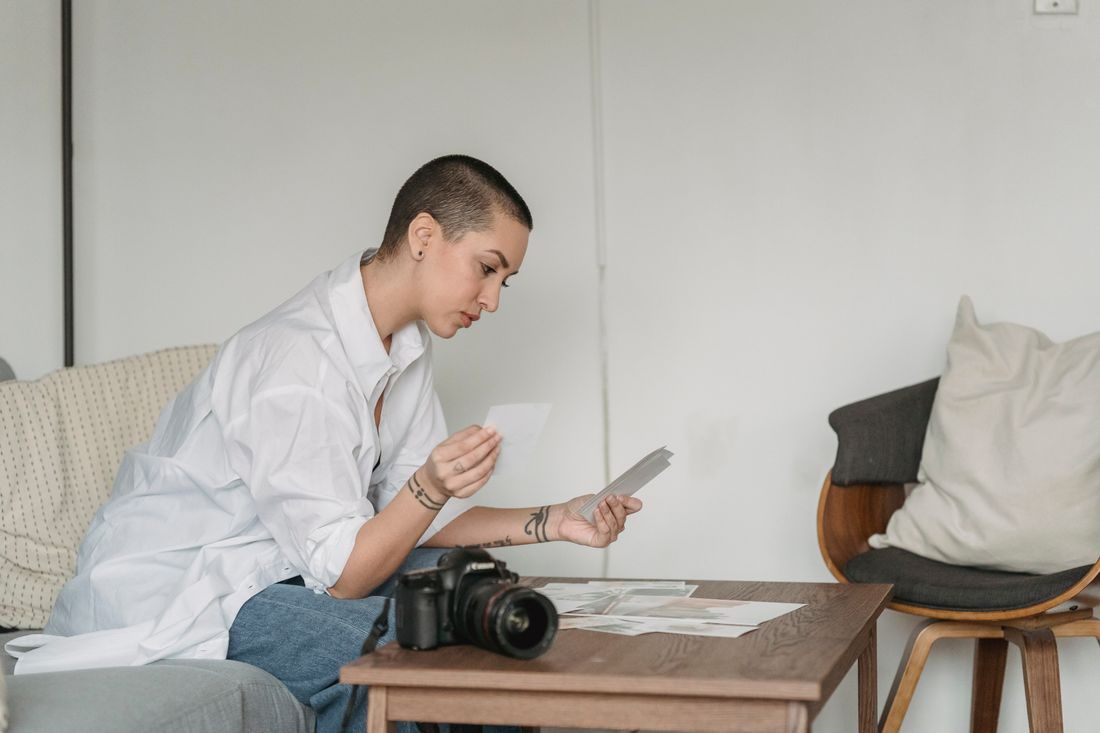
A striking photograph may attract attention while giving the wrong impression of an article. A general studio image does little to explain a story about a specific recording problem, and an unrelated camera can suggest equipment coverage that never appears. Start with what the story actually discusses. Then choose a photograph that helps the reader recognise that subject before considering colour, mood, or visual drama.
Match the subject and the action
Write a short description of what the cover should show. Include the important object, activity, or setting. For an article about a microphone picking up desk impacts, a microphone mounted at a desk is more precise than an unrelated concert photograph. Check the visible details rather than accepting a search keyword as proof of relevance.
If the story concerns a particular item, avoid substituting a similar-looking product without context. An illustrative photograph can be appropriate when it is clearly suitable for the article’s purpose, but it should not be presented as documentary evidence of an event or test that did not happen.
Consider the page crops before committing
Test the photograph in the wide cover and the smaller list card. Keep the central subject recognisable in both. A tightly framed object at one edge may disappear in a square or mobile crop. Choose a different photograph if keeping the subject requires leaving an awkward sliver of the original composition.
If text will sit over the image, check that the layout has a readable area without covering the important action. Do not select an otherwise inaccurate photograph solely because it has convenient empty space. The content relationship comes first; the design can be adjusted around a truthful image.
Check rights and sensitive details
Confirm that the image’s licence permits the intended use and follow any conditions. Do not assume a photograph is reusable because it appears in search results. Keep private information and unintended identifying details in mind when choosing images of screens, documents, or workspaces.
Inspect the file at the intended display size for focus, artefacts, and distracting marks. Review it beside the final headline and opening paragraph. The combination should tell one coherent story. If the article changes substantially during editing, revisit the photograph rather than treating the original choice as permanent.
Keep the selected original and its approved crops organised with the article assets. Add a caption or alternative text where the publishing context calls for it, describing the image’s actual role. A useful cover photograph earns its position by accurately introducing the subject and remaining clear across the page’s different views.