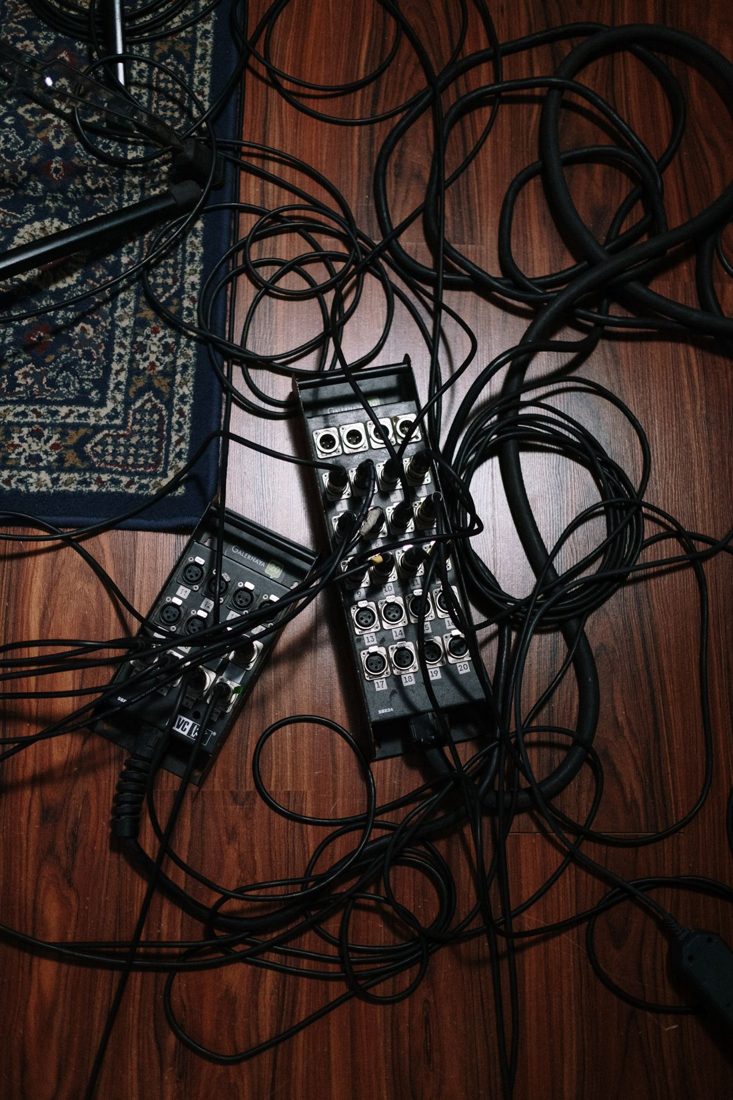
A cable crossing the bottom of a frame can distract from an otherwise tidy recording space. Moving it out of the picture is only part of the job. The route still has to work for people entering the room and for equipment that moves during use. Begin with where each cable connects, then plan a path that keeps ordinary walking and chair movement clear.
Trace the whole route
Follow each lead from device to destination. Identify sections that cross a doorway, pass beneath a chair wheel, or stretch tightly around a stand. The most attractive camera view is not a reason to move a cable into a more awkward place behind the presenter.
Where practical, reposition equipment so its connections stay on the same side of a walking route. Leave enough slack for intended adjustments, but keep loose loops from hanging where feet or hands can catch them. Check the device’s instructions for connector clearance and avoid bending cables sharply to fit a narrow gap.
Manage visible sections with suitable accessories
Use clips or ties appropriate for the cable and mounting surface. Reusable ties can make later changes easier, provided they are not tightened so hard that they deform the lead. Do not put an adhesive clip on a surface without checking whether removal may damage it.
For a route that must cross a floor, select an appropriate cable cover and use it according to its instructions. A strip of improvised tape is not automatically suitable for every floor, cable, or level of foot traffic. If you cannot manage the crossing properly, change the setup rather than hiding it behind an object.
Keep electrical and practical limits visible
Inspect leads and plugs before concealing them. Replace or have damaged equipment dealt with appropriately; hiding a defect is not a repair. Follow the ratings and instructions for power distribution, and avoid creating a dense bundle around equipment that needs airflow. Do not trap power leads under rugs merely to remove them from the frame.
Rehearse normal movement
Move the chair, adjust the camera, and have the presenter enter and leave as they will during the session. Watch for tension at connectors or a cable being pulled into a path. Confirm that switches and necessary access remain reachable. Photograph the finished routing if it will be rebuilt, and check it again after anyone changes the position of the desk or equipment.
A tidy cable arrangement should survive ordinary use, not just a still photograph. Keep the useful route simple and inspect it at the start of each session. When the camera angle conflicts with a workable floor route, adjust the frame or equipment placement so the room remains usable.