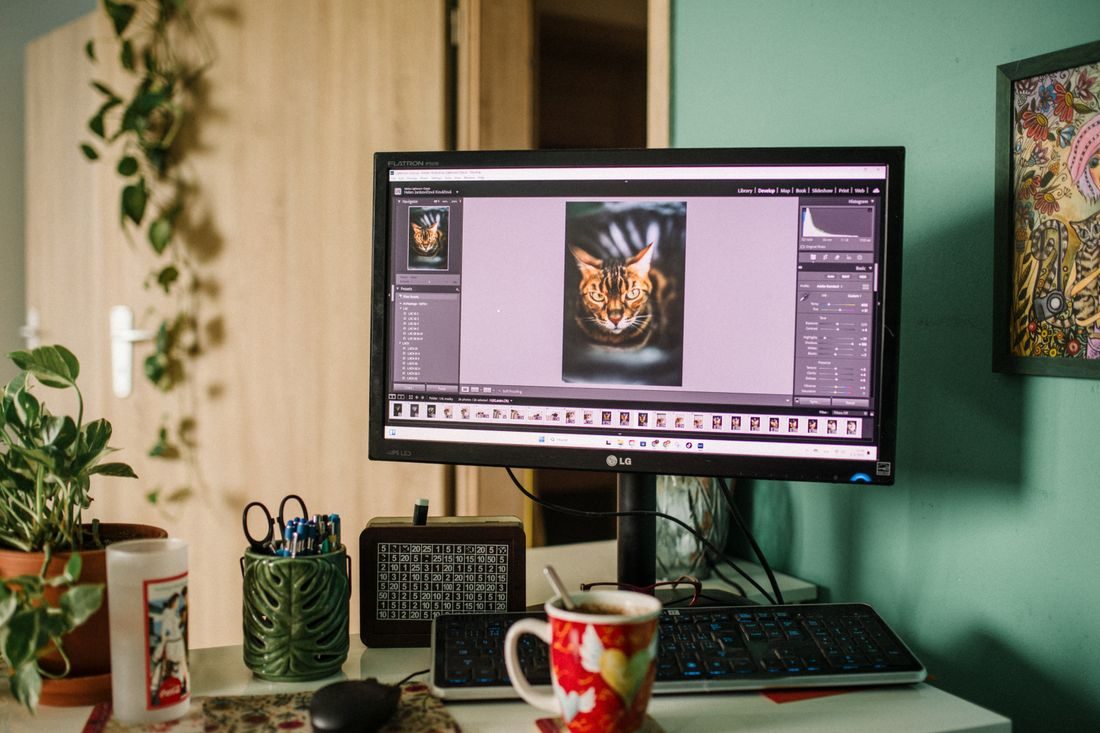
An editing monitor often ends up wherever the desk has a spare patch of space. That position may work for a quick email but feel awkward when you spend a session moving between the timeline, preview, and reference material. Begin with your chair and the way you normally work. Then arrange the screen and controls so the important parts remain easy to see without repeated leaning or twisting.
Set the main working position first
Sit in the chair with the keyboard and pointing device where you can use them comfortably. Place the main display in front of the tasks you perform most often. If you use a laptop on a raised stand, consider how you will operate the keyboard and mouse without reaching up to the laptop for every action.
Adjust the screen height and distance while viewing a real project. Text should be readable without leaning forwards or tilting your head to follow a timeline. Use the application’s supported interface scaling or text controls where available rather than assuming a closer screen is the only answer. Follow the stand and display instructions when changing their positions.
Keep references from pulling you sideways
With two displays, decide which one contains the work you watch most. A symmetrical pair can look tidy while leaving the main preview off to one side. Put occasional references on the secondary screen and keep the most frequent actions near your normal facing direction.
Check how you move between the screens during an actual edit. If a reference document must be read constantly, its place may need to change for that session. Avoid turning a temporary arrangement into a rule that ignores the task. Keep speakers and other equipment from forcing the monitor into an awkward corner.
Look for reflections and changing light
Open both a bright document and a dark preview. Inspect the screen for reflections from windows and lamps. Change the screen angle or room arrangement before compensating by raising brightness indefinitely. A position that works in the evening may need curtains or a different angle during daylight.
Keep the display’s ventilation clear and use a support rated for the device. If an arm is fitted, check the desk and mounting compatibility and leave cable slack for its intended movement. Finally, work through a short edit with normal adjustments. Note the moments that make you lean, reach, or move the screen repeatedly; those are the most useful clues for improving the arrangement.
Treat the monitor position as part of the whole workspace rather than an isolated measurement. Reassess it when you change chair, screen, or editing tasks. Small adjustments based on actual use can produce a more workable session without filling the desk with accessories that do not address the cause of discomfort.