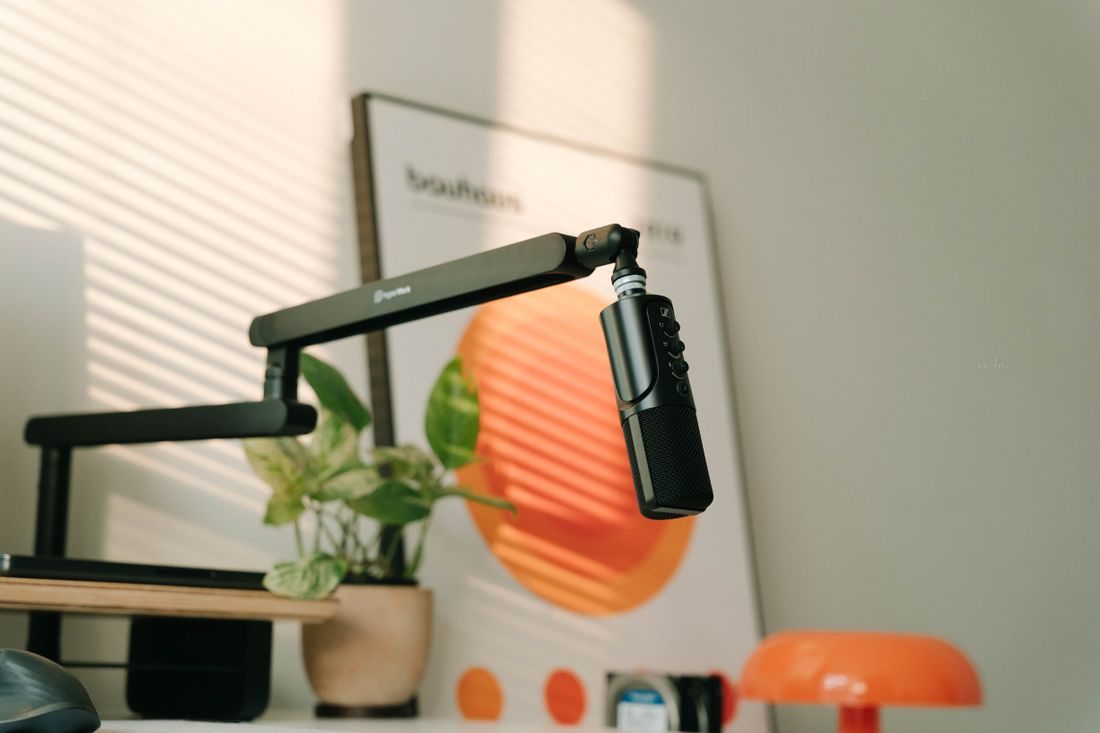
A home office may be quiet enough for writing yet produce distracting sounds during narration. Keyboard taps, a computer fan, and papers moving on the desk can all appear in the recording. A dedicated corner does not need to occupy the whole room. It needs a repeatable position, a manageable routine, and a clear division between recording actions and ordinary office work.
Choose the corner by a voice sample
Record the same short passage from two plausible positions at the time you expect to work. Include a pause so you can hear the background. Keep microphone orientation and speaking distance comparable. Choose the position that gives a useful voice recording and leaves enough room for the script and equipment.
Avoid choosing solely by the tidiest view of the room. Audio-only narration may work better away from the main desk, while a filmed explanation must also consider framing. Look for a position that does not require blocking a door or dismantling the office every time.
Separate the microphone from desk activity
Place notes where you can read them without turning far away or moving paper beside the capsule. A suitable stand can keep the microphone out of the immediate keyboard area. Check its support and cable route, then rehearse page turns or screen scrolling while recording.
If the computer creates noticeable noise, consider whether it can be positioned differently while preserving ventilation and access. Do not obstruct its fans or cover it with fabric. For a voiceover that does not require live screen operation, record the spoken passage without typing and combine it with the demonstration later.
Make the room transition predictable
Prepare a short routine: close unrelated notifications, arrange the script, check the recording destination, and make a sample. Coordinate any quiet period with other people using the home. A visible indication that a take is in progress can help when its meaning and duration are agreed.
Use existing soft furnishings when they improve the tested sound, keeping the arrangement secure and clear of equipment. Store the microphone and accessories together after use. A reference photograph and two simple measurements can make a temporary corner repeatable without permanent marks or a collection of equipment left around the room.
Review after a real session
Note the sounds that actually interrupted the recording and whether the corner took too long to prepare. Address those specific problems before adding more treatment or accessories. A new object should earn its place by making a recurring task easier or a documented noise problem smaller.
Keep one clean reference recording from the finished corner. If later sessions sound different, compare the physical arrangement and room activity before changing processing settings. The corner should make recording a practical part of office work, with a clear beginning, a usable quiet interval, and an easy reset afterwards.