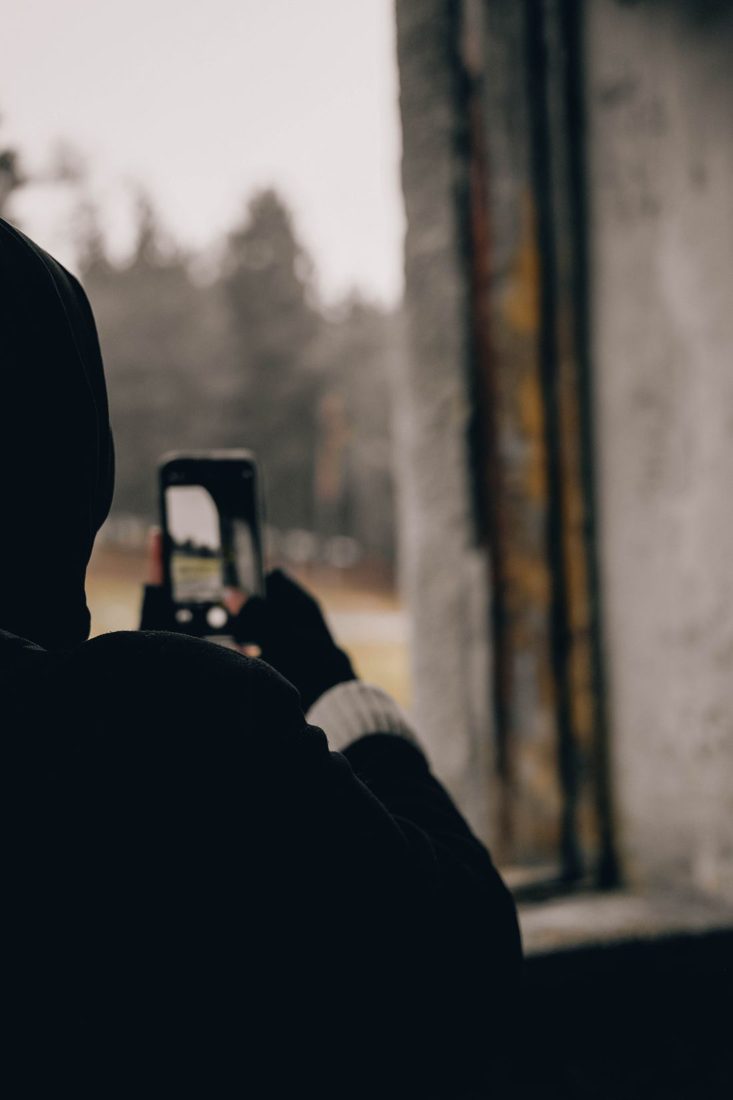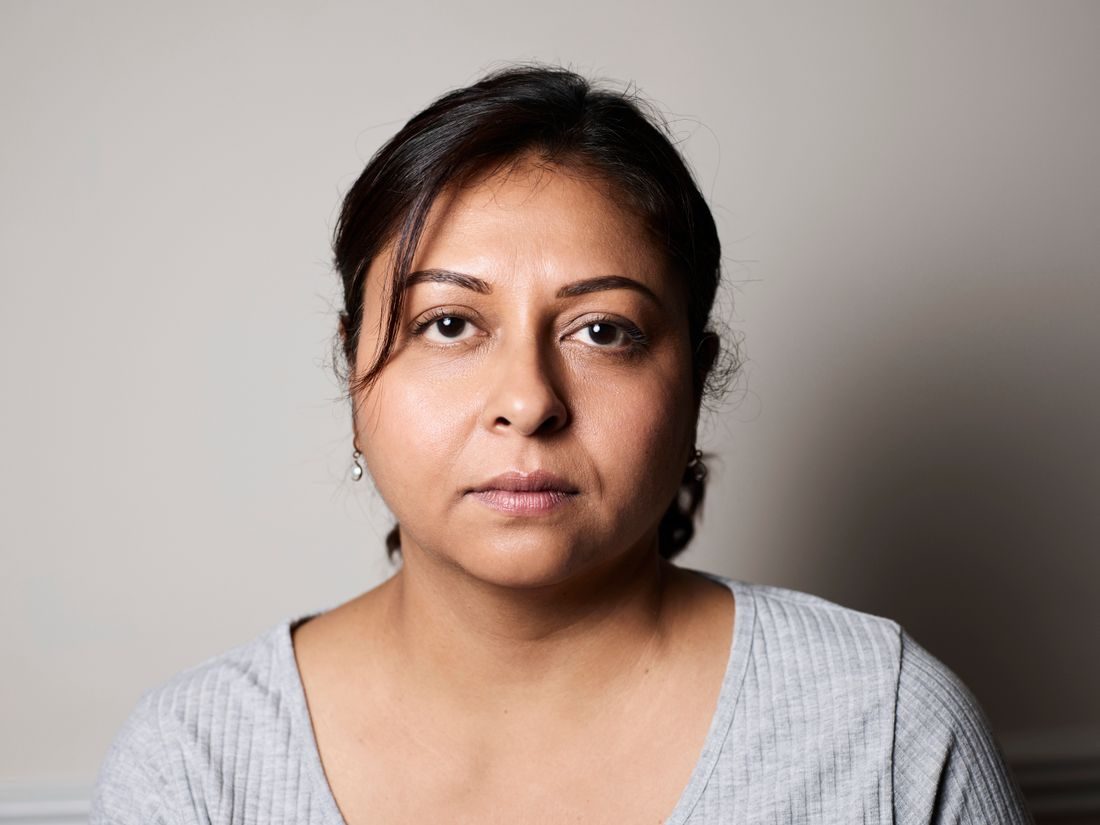
A distracting portrait background is often easier to fix before taking the picture than afterwards. A bright doorway, an uneven stack of boxes or a branch behind someone’s head can pull attention away from the expression. You do not need an empty studio wall. You need to decide which surroundings contribute to the picture and which merely compete with it.
Look around the person’s outline
Before checking your settings, trace the head and shoulders with your eyes. Look for objects that appear to grow from the head, bright lines crossing the face and background shapes merging with clothing. Move a little sideways and watch how those relationships change. A step can hide a shelf behind a shoulder or separate a dark jacket from a dark doorway. Avoid asking the person to keep adjusting when a small camera movement would solve the problem.
Choose one useful piece of context
A portrait in a workshop can include a bench or a few tools without showing every object in the room. Choose the detail that explains the setting and arrange the frame around it. If several things are equally prominent, remove or hide the least helpful ones with permission. Keep important features recognisable: cropping a workshop down to a tiny patch of wall may make the image cleaner but remove the reason you chose that location.
Use distance as a compositional tool
Where space permits, bring the person away from the background. This can help distinguish the face and shoulders even before you consider deliberate blur. Check that the new position still receives suitable light and leaves a comfortable place to stand.
Do not assume portrait mode or a wide aperture will rescue any background. Bright colours and large shapes can remain distracting when blurred. Make a version with a straightforward camera mode so you can judge the arrangement without depending on an artificial edge effect.
Check the whole rectangle
Inspect the corners and lower edge as well as the area beside the face. A bright waste bin near the bottom can be just as distracting as something behind the head. Leave enough space for the final crop if the image will appear in more than one format. Once the arrangement works, return attention to the person. A technically tidy background is useful only when the expression and posture still feel comfortable.
Keep the surroundings that tell you something about the person and simplify the details that interrupt that story. Take a comparison after changing your position, then judge both frames together. This habit builds a more reliable eye for backgrounds than trying to remove every visible object in editing.