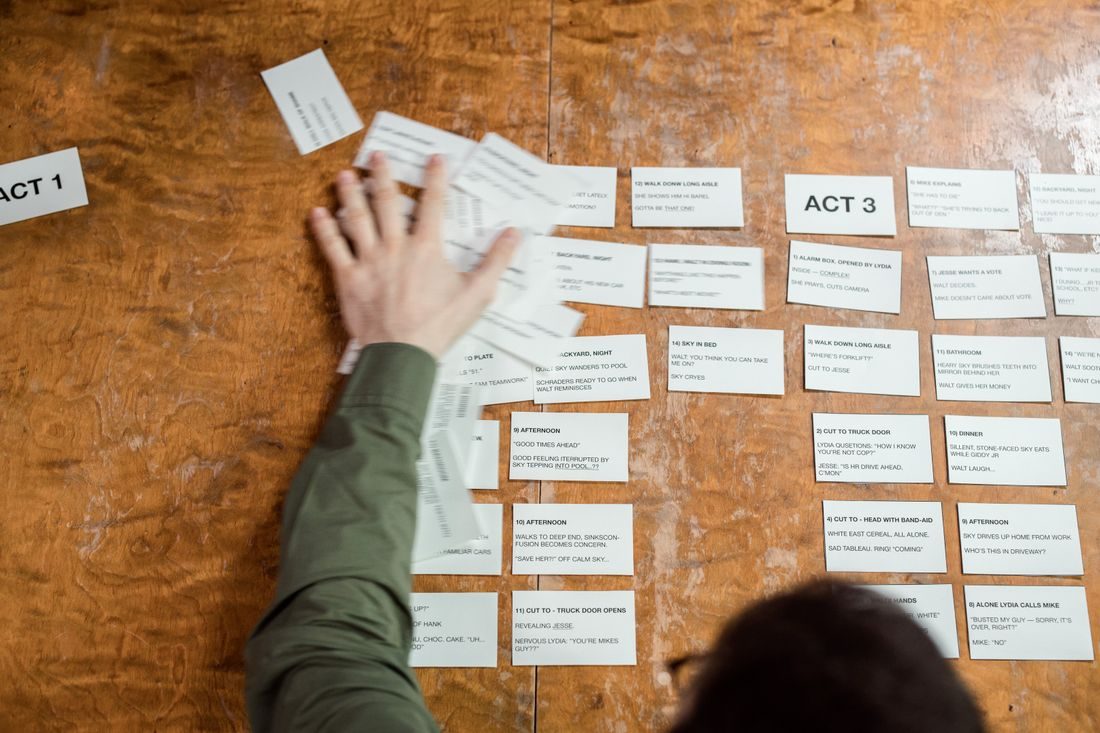
A cut between angles feels awkward when the person seems to change position, the action jumps or the viewer must work out where everyone has moved. You can prevent many of those problems before editing. Sketch the scene, choose which side the cameras will observe from and rehearse one action that both views can show clearly.
Keep the spatial relationship readable
Imagine a line connecting two people in conversation, or following the main direction of an action. For a straightforward sequence, place both viewpoints on the same chosen side of that relationship. This helps preserve left and right positions on screen. If a change of side is necessary, provide a clear wider or moving view that explains it rather than surprising the viewer with an unexplained reversal. Mark the planned positions before shooting.
Give the second view a clear purpose
A second angle should add information: a closer expression, the object in someone’s hands or the person listening. Two almost identical views can create a small visual jump without a meaningful benefit. Compare the framing before recording and choose an intentional difference. Keep enough context that a close-up still belongs to the scene. For a demonstration, show the point of contact rather than merely moving the camera a few centimetres to one side.
Repeat the action consistently when needed
If you record angles in separate takes, note the starting position of hands, tools and objects. Ask for the action to begin a little before the part you expect to use and continue afterwards. This gives the edit room to breathe.
Do not assume a repeated action is identical. Check which hand is used, where an object lands and whether clothing or background items changed. For documentary material, avoid constructing a false sequence from unrelated events simply because the movements happen to match.
Cut where the movement helps
In the edit, compare the action on both sides of the proposed cut. Look for a point where the movement continues naturally and the new angle reveals something useful. Watch the sequence at normal speed, then inspect the join more closely if it still feels wrong. Sound can also expose discontinuity, so listen across the cut. A convincing image match cannot hide a sudden change in room sound or an interrupted word indefinitely.
Continuity grows from understandable space and a clear reason to change view. Plan the camera positions, give the second angle a distinct job and record enough action around the intended cut. If a join remains confusing, simplify the sequence instead of relying on a transition to disguise the mismatch.