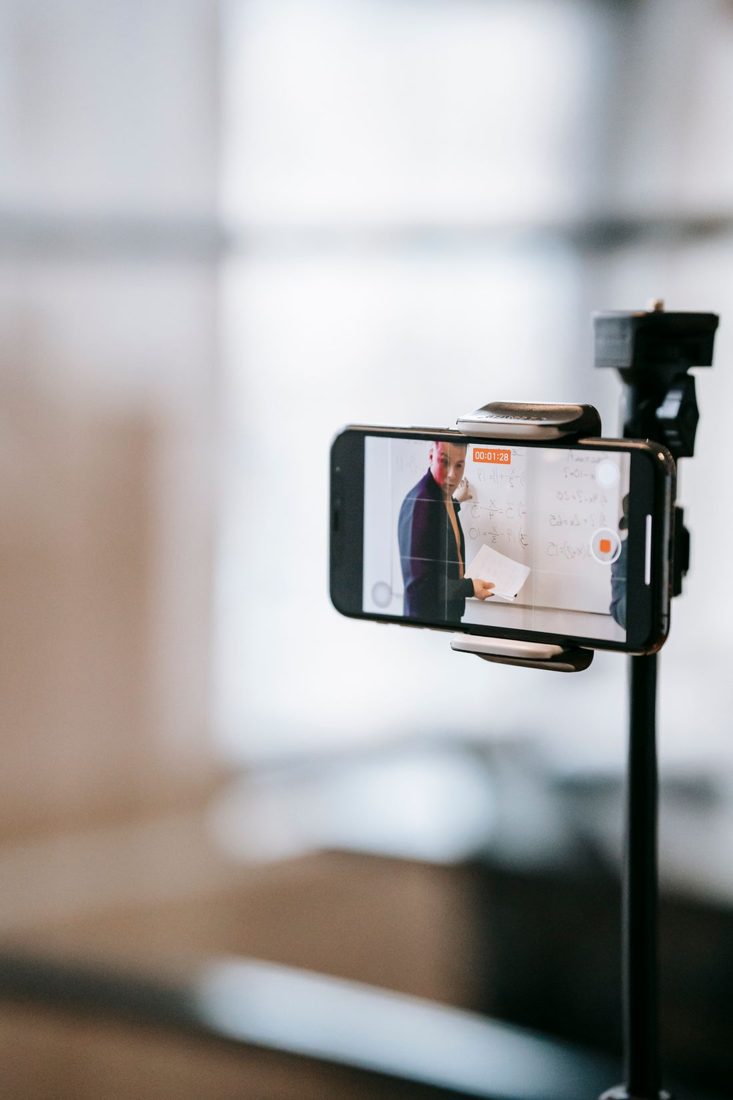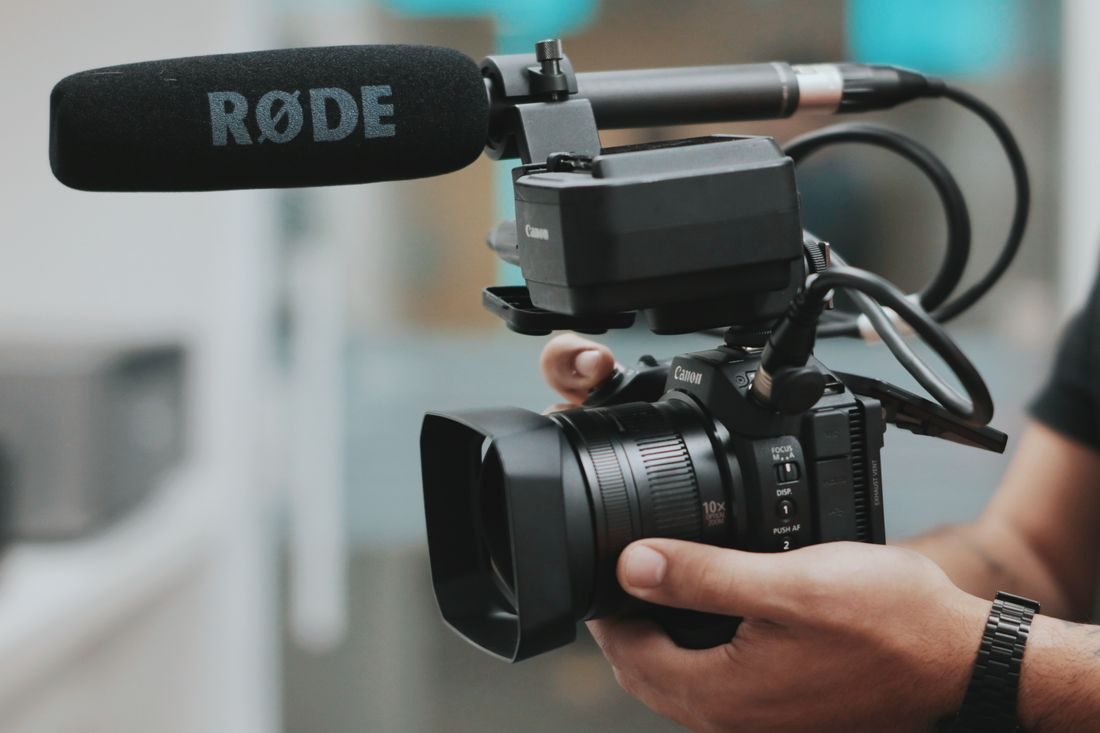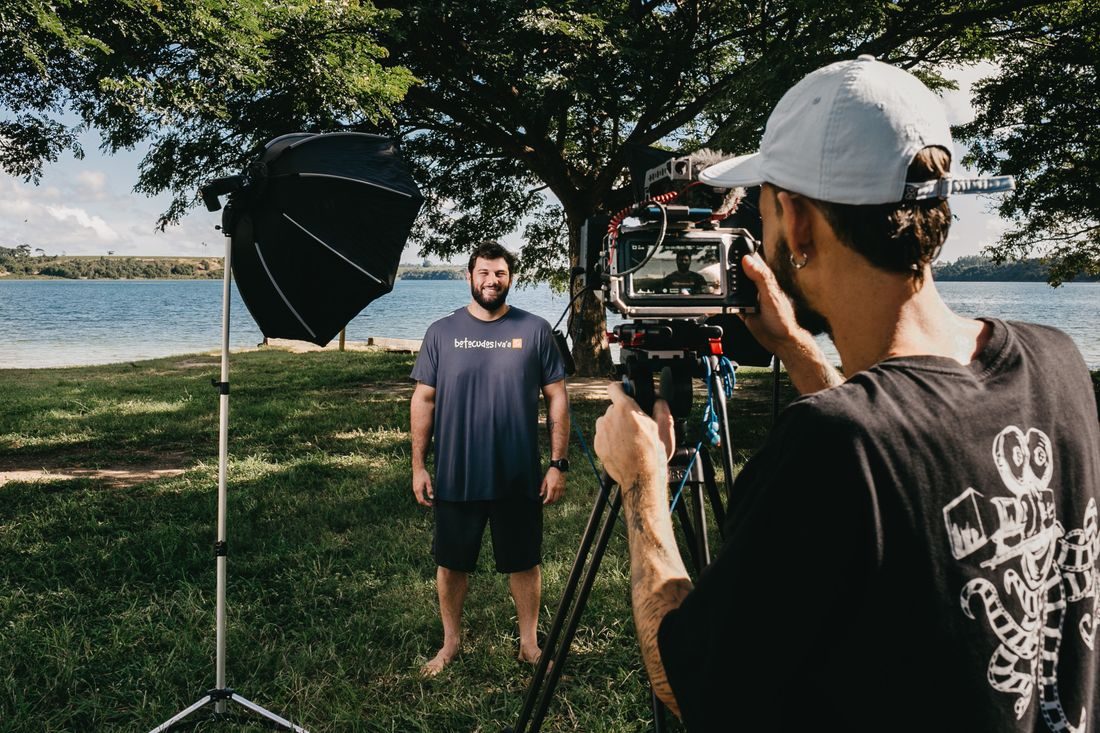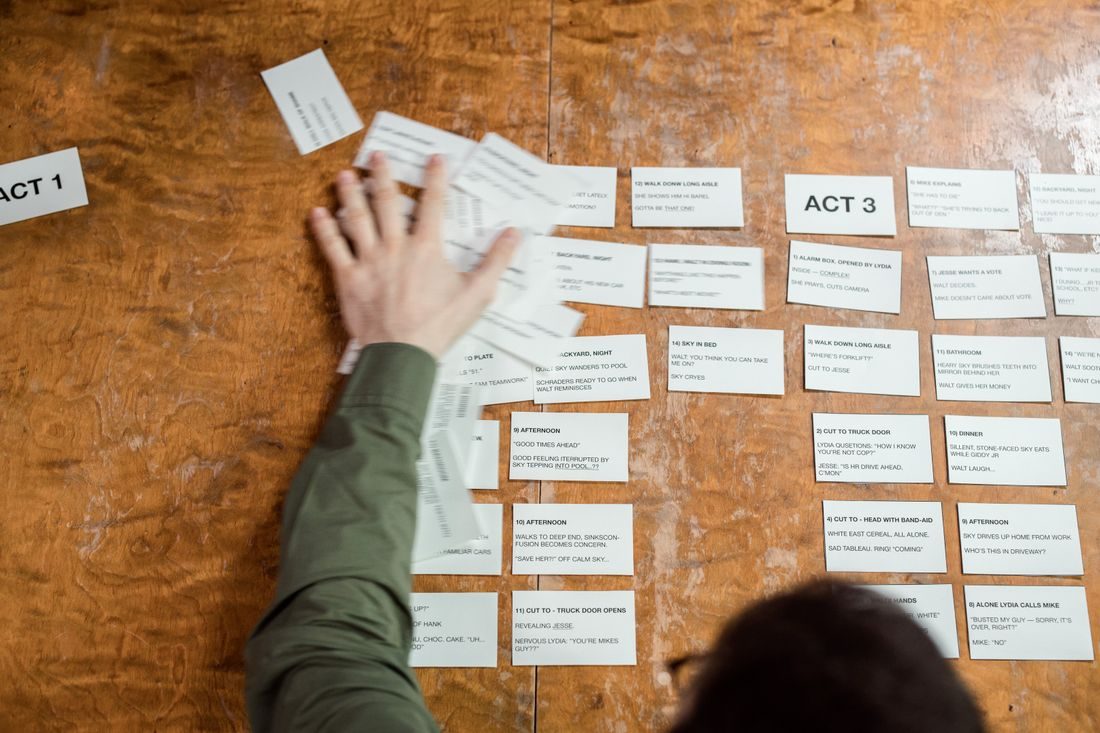
A minute is enough to explain one useful change, but it becomes crowded quickly when you add background, examples and several conclusions. Begin with the question a viewer should be able to answer afterwards. A video about making a desk recording clearer might show microphone position, rather than attempting to cover every recording accessory at once.
Write the promise in an ordinary sentence
Describe what the viewer will understand or be able to try. ‘See how moving a microphone changes the voice’ is more specific than ‘Improve your content’. Keep that sentence beside your notes while planning. It gives you a reason to keep an image or leave it out.
Choose a viewer who has a plausible starting point. Someone making their first recording needs different context from an experienced editor comparing microphones. Avoid packing explanations for both people into the same short piece.
Give the idea a visible beginning and ending
Find a way to show the problem before explaining the adjustment. This might be a confusing camera angle, a cluttered product photograph or a recording made too far from the speaker. Then show the changed version under comparable conditions. The viewer should not need to accept an improvement solely because a caption says it happened.
Place the essential explanation between those examples. If a setup detail is necessary to repeat the change, make space for it. Remove a second tip before removing the instruction that makes the first tip usable.
Read the explanation with room to breathe
Speak the draft at the pace you intend to use, including any pauses for the demonstration. Time that performance rather than estimating from the number of lines on the page. A technical sentence may need longer than it appears to need in writing.
Allow the viewer to look at the evidence. A before-and-after example needs a moment to register. Shorten an introduction or remove a decorative shot if the useful comparison currently flashes past too quickly.
Test the finished sequence on one question
Watch a rough cut and describe its point without looking at the planning sentence. If the answer has changed, decide whether the original promise or the edit needs revision. Check that the opening still accurately describes the conclusion.
End with the next practical action, such as recording a comparison at two distances. An extra list of unrelated tips makes the ending less useful than a clear invitation to try the one adjustment just demonstrated.
Keep the unused ideas in a separate note for future videos. A short piece works better when its limits are deliberate: one question, enough explanation to act on it and a visible result. The aim is a complete small lesson, with a pace that gives the viewer time to understand it.