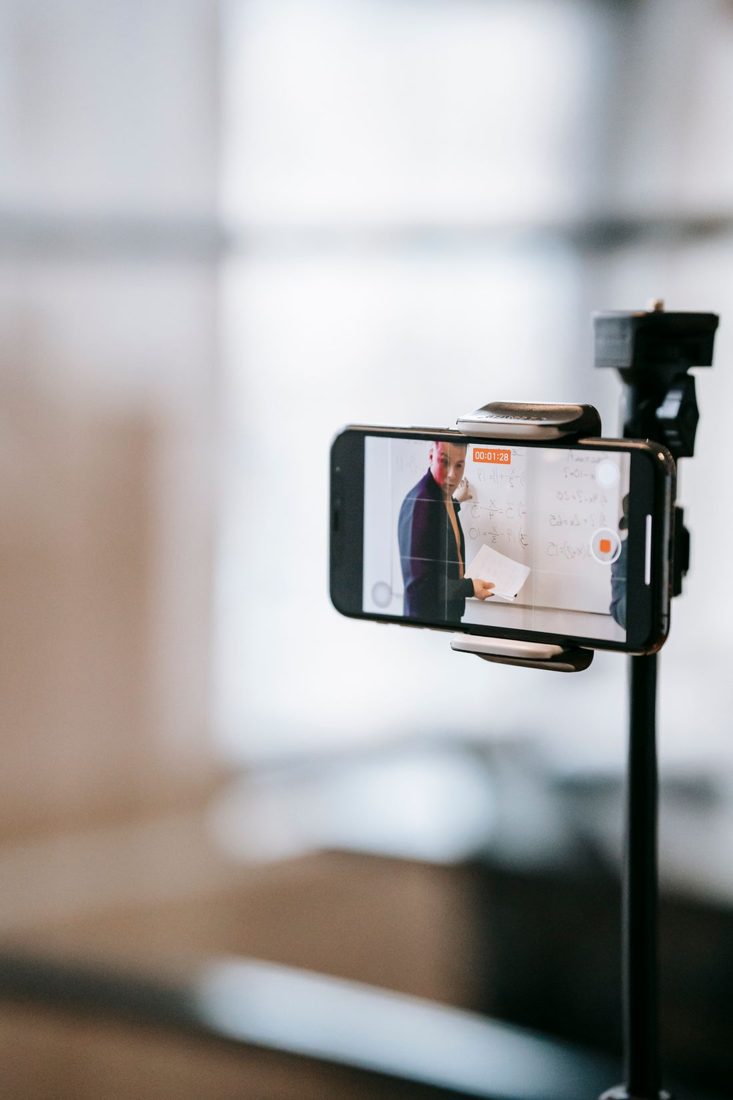
A presenter may look neutral in one room and noticeably orange in the next. Cutting between those clips makes the difference more obvious than watching either alone. Colour matching can reduce a distracting mismatch, but the aim is not to pretend every location had identical light. Begin with readable, believable faces and a coherent sequence.
Confirm the footage is being interpreted appropriately
Check that your editor is treating each clip according to the camera’s recorded format and colour information. Different recording modes can need different handling. Consult the camera and editing documentation rather than applying the same strong preset to everything. Preserve the original clips and make corrections in the project so you can compare them.
Choose a sensible reference frame
Pick a frame with a clearly visible face or an object that appears in both rooms. Avoid using a frame dominated by a coloured light or a temporary reflection as the reference. Compare the clips side by side if your editor supports it. Adobe’s comparison guidance describes this approach for judging colour and exposure together.
Correct brightness before adding a look
Look at the subject’s light and dark areas. Adjust basic exposure and contrast carefully so one clip does not appear needlessly dim beside the other. Do not force a dark background to match a bright wall; they are different subjects. Use the editor’s scopes where you understand them, alongside the picture, and check important highlights for lost detail.
Reduce unwanted colour casts
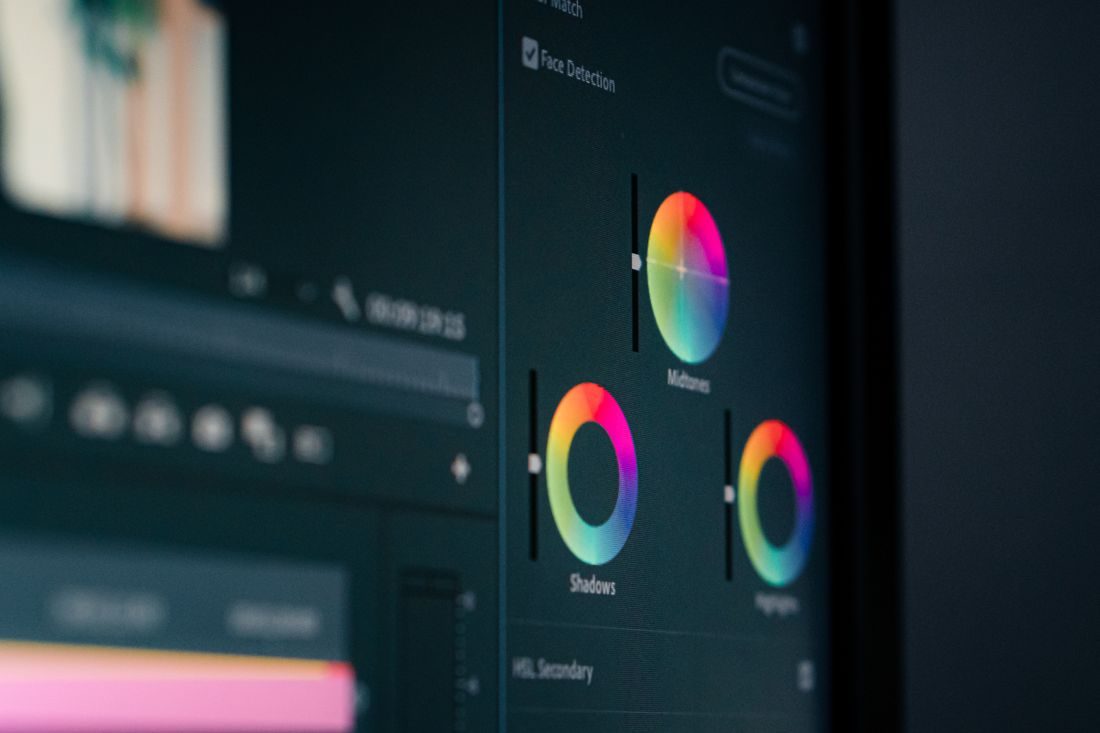
Compare a known neutral area and the face rather than judging only the overall room. Adjust white balance or equivalent controls in small steps. Mixed lighting can leave different casts on opposite sides of a person, so a single global change may not solve everything. Do not push skin toward an unnatural colour to make a painted wall match a different room.
Review movement and the actual cut
Play the clips across the join, then watch farther into each. A correction that works on one frame may become wrong when the person turns toward another light. Check at several points and adjust the approach if the illumination changes. Apply any shared creative treatment after the basic differences are controlled, then compare again. Keep some real distinction between the rooms so the setting remains believable.
Successful matching removes accidental distraction while retaining the character of each location. Use a dependable reference, handle exposure and white balance before stylising and watch more than one frame. When the source contains strongly mixed light, a restrained compromise often looks better than an extreme global correction.