A long software recording is easy to start and difficult to repair. One missed click or unexpected dialog can interrupt an otherwise clear explanation. Short takes help when each covers a complete, useful step and begins from a known state. Plan the task before recording so the eventual edit feels like one explanation rather than a collection of disconnected clicks.
Break the task at real decisions
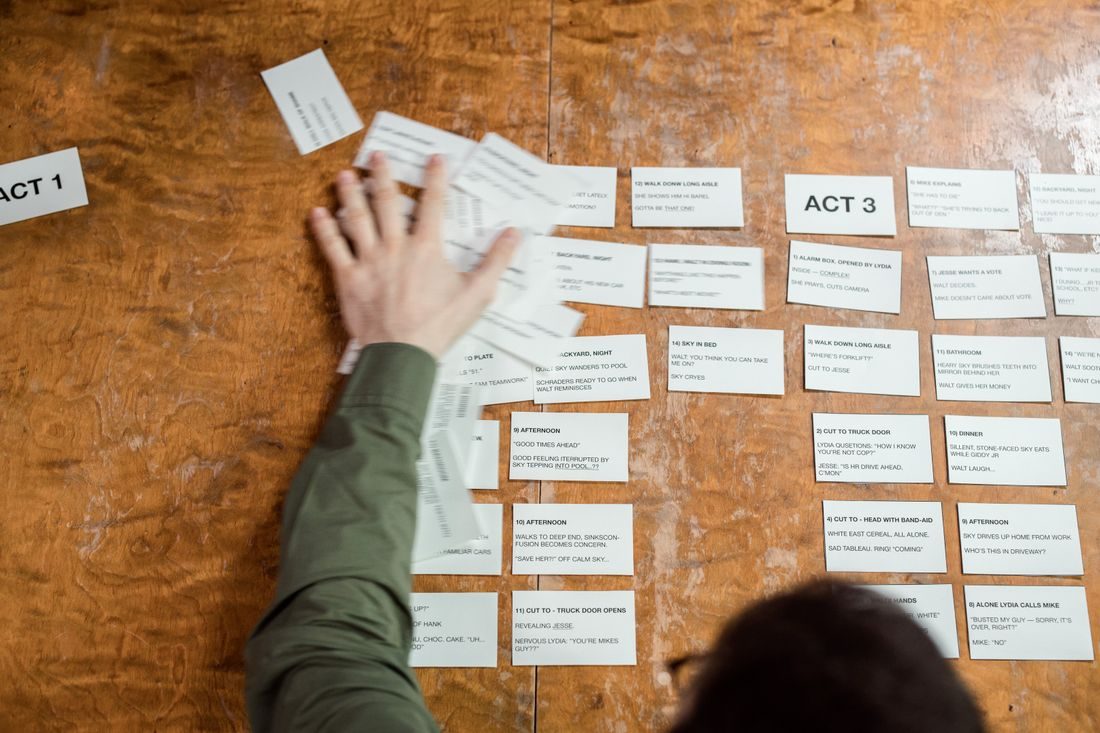
Write the outcome in one sentence, then list the few actions needed to reach it. Group actions that belong together: opening a file, changing a setting and checking the result might be separate takes. Do not split every click into its own recording. Each segment should contain enough context for the audience to understand why the action happens. Remove optional detours that do not help complete the stated task.
Prepare a clean starting state
Use suitable demonstration files and return the application to the expected state before each take. Record which file, selection and panel should be active. If the software saves changes automatically, make a safe working copy so a retake does not begin with a result already applied.
Close private material and suppress interruptions through the device’s appropriate settings. Verify that the recording area includes any menus or dialogs you will use. Keep factual notes of the application version when interface differences may matter to future viewers.
Leave room around the action
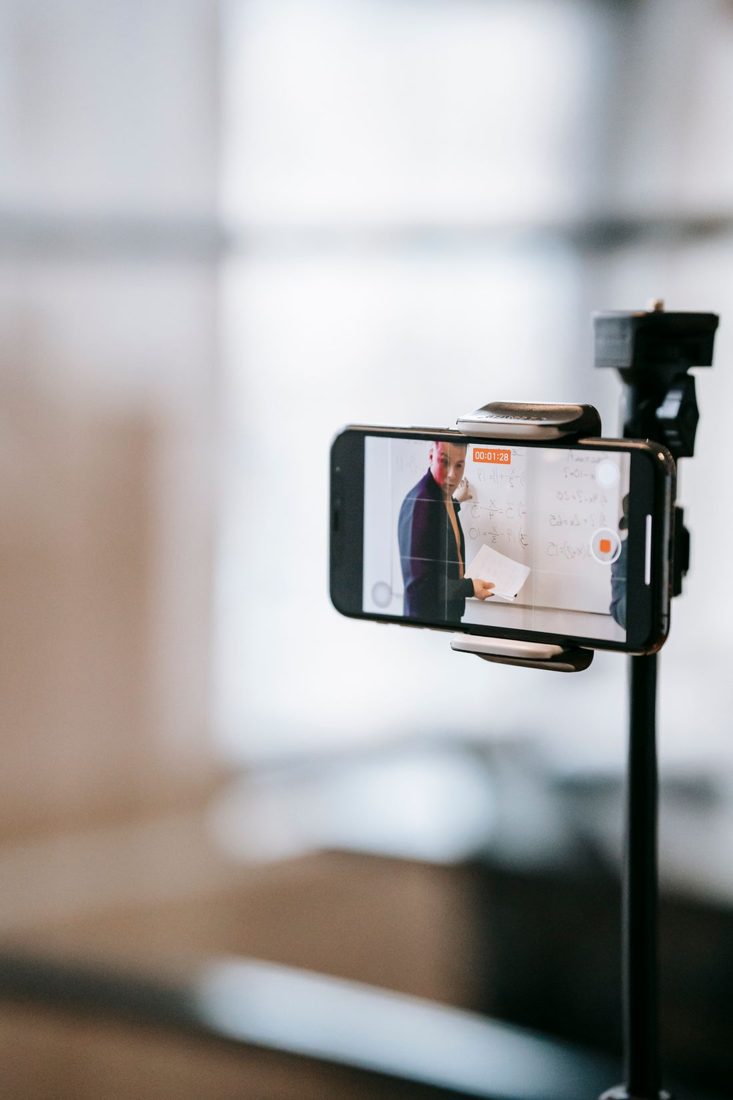
Start recording before moving the pointer and allow a short moment after the result appears. These margins give you options in editing. Speak a complete thought rather than ending abruptly at the click. If a step fails, stop, restore the starting state and record it again. Do not leave an unexplained error in the tutorial simply because the correct result eventually appears. Keep filenames or take notes clear enough to identify the usable recording.
Join the takes as one lesson
Arrange segments in task order and watch for changes in zoom, pointer position and document state. A sudden jump to a different selection can make viewers think they missed a step. Add a concise explanation where a necessary state change occurs. Check voice continuity and pacing, then play the finished sequence without following the edit timeline. Test the actual procedure separately against the demonstration so the video does not omit an action you performed between takes.
Short takes work when they preserve a complete chain of cause and result. Prepare the state, record a meaningful step and verify that the next segment begins where viewers expect. You gain easier retakes without turning a straightforward task into a confusing sequence of unexplained interface changes.