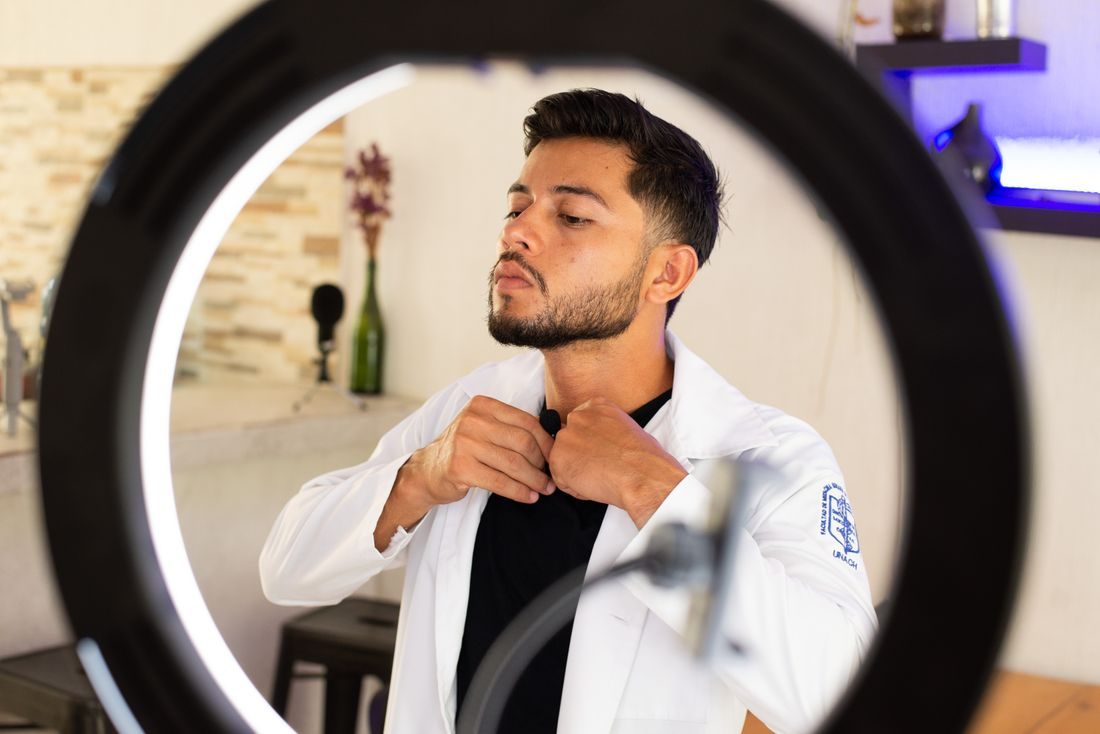
A lavalier can look perfectly placed and still record scratches every time the speaker turns. Clothing noise often comes from contact with fabric, accessories or a moving cable rather than the voice itself. Find the source through a short movement test. A visible, well-positioned microphone is usually easier to manage than a concealed setup that has not been checked.
Listen while the speaker moves
Record the person speaking, turning their head and making the gestures they expect to use. Listen through headphones at a sensible level. Note whether the noise happens during a collar movement, a hand gesture or a cable tug. Do not ask the speaker to remain unnaturally still as the main solution. The microphone arrangement should support the actual presentation, not only a quiet test with both arms held at the sides.
Create space around the capsule
Use the microphone’s intended clip and position it so fabric and jewellery do not repeatedly touch the capsule or wind protection. Check what happens when the person sits down, turns or leans. A loose scarf or necklace may move into contact only after the take begins.
Explain any adjustment and ask before touching the person or their clothing. Let them handle routing or attachment where appropriate. If concealment is required, use suitable mounting accessories and the manufacturer’s guidance rather than improvising an untested bundle beneath the fabric.
Manage cable movement
Route the cable without stretching it tight or leaving it where a hand will catch it. RØDE’s mounting guidance describes a small cable loop and additional strain relief to reduce movement noise. Follow the instructions for the actual microphone and clip; do not bend or pinch the cable aggressively. Secure excess cable appropriately while preserving comfortable movement. Check the connector and transmitter position too, since a loose device or cable pulled by a pocket can create another source of noise.
Retest after each change
Change one element and repeat the movement test. This makes it easier to identify what helped. Listen to the saved recording as well as monitoring live when possible. If a particular fabric continues to cause noise, discuss an alternative garment or a different microphone arrangement with the speaker. Noise reduction in editing may damage speech when it tries to remove repeated rustle overlapping words. A modest adjustment before the recording is usually easier to assess than a large repair afterwards.
Treat lavalier placement as a movement problem, not just a position on a shirt. Keep the capsule clear, provide appropriate cable relief and test the real gestures. Once the recording sounds clean, preserve that arrangement and recheck after clothing, posture or equipment changes.