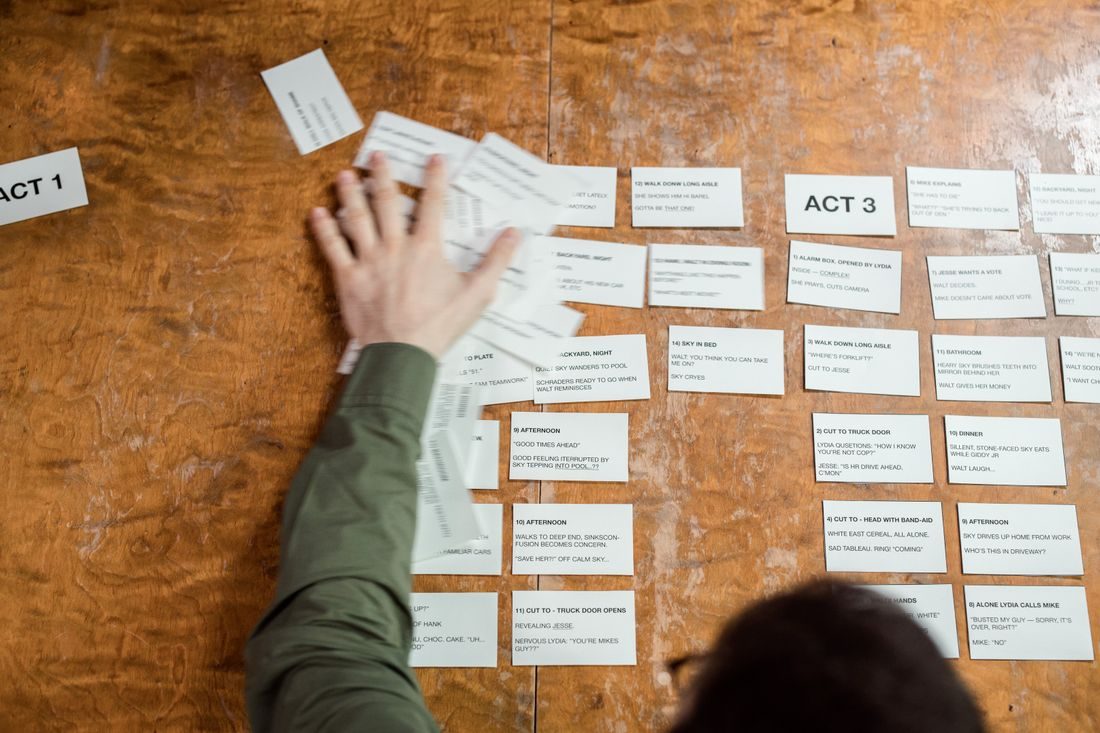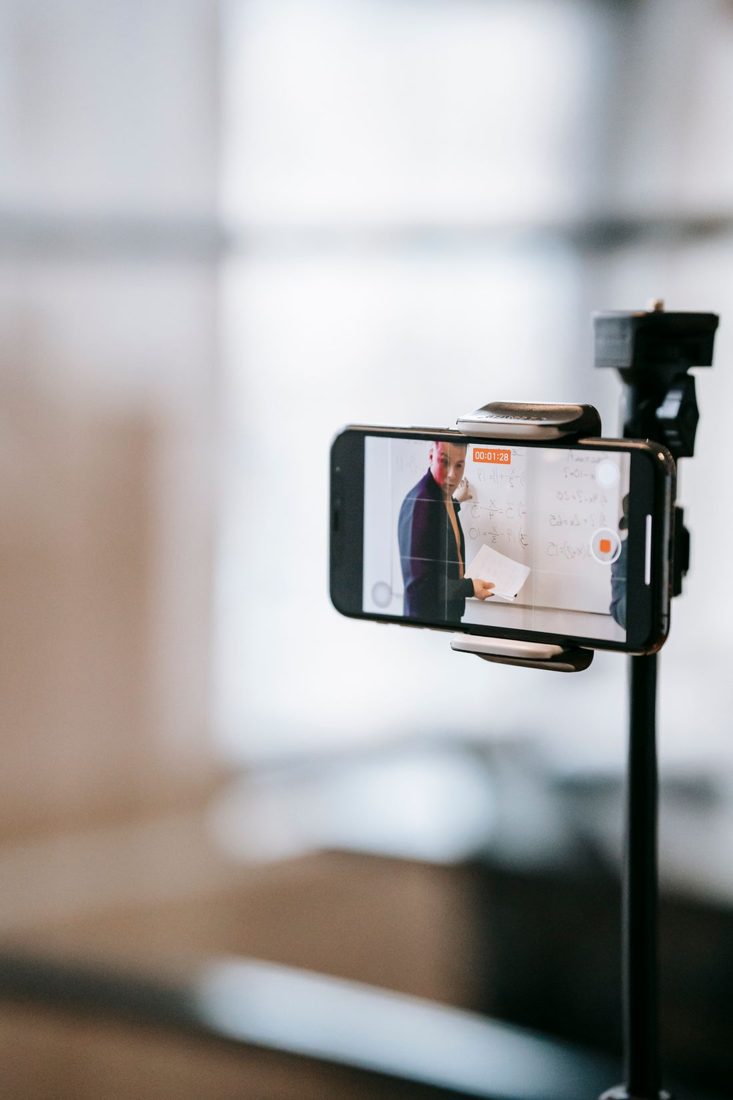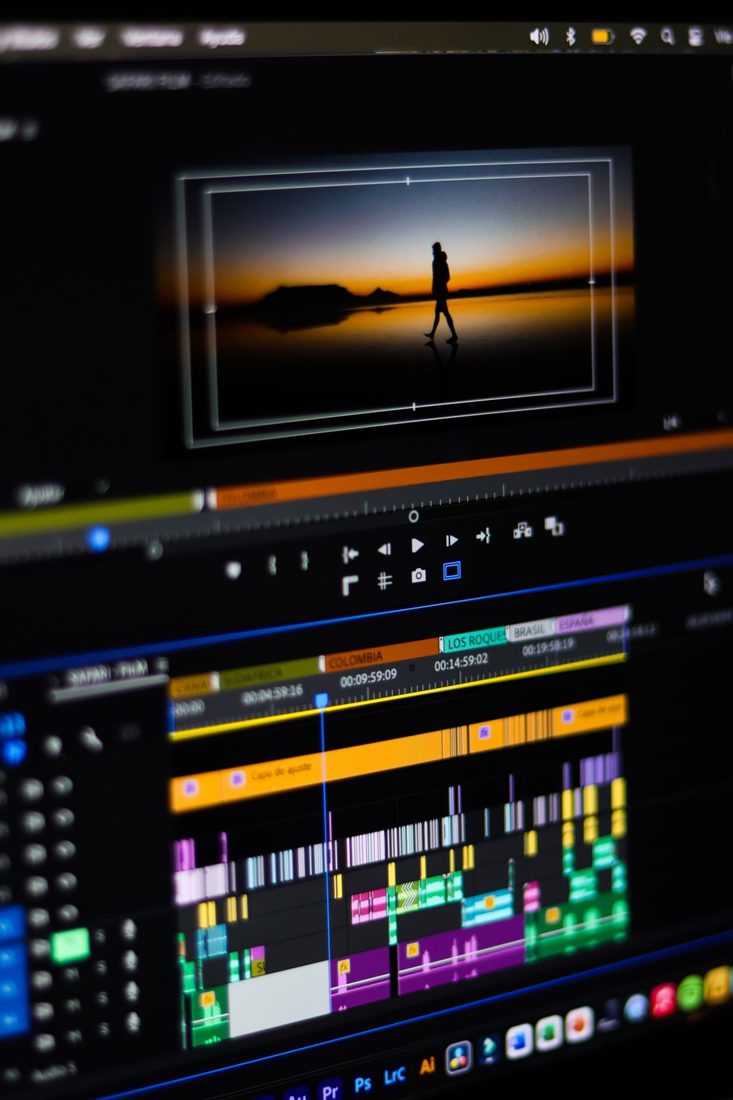
A useful audio edit can create an obvious jump in the picture when a speaker’s posture changes between words. A cutaway offers another relevant view while the speech continues. It works best when it contributes information of its own. An unrelated attractive shot may hide the join but still leave the sequence feeling disconnected.
Make the underlying edit understandable first
Listen to the audio without adding another image. Confirm that the sentence remains coherent and accurately represents the speaker’s meaning. Check for clipped words and a sudden change in background sound. A cutaway cannot repair a misleading rearrangement of an answer or make an incomplete explanation clear. Once the speech works, identify the actual part of the visual jump that needs covering rather than hiding a much longer stretch unnecessarily.
Choose a view that belongs to the words
For a person explaining a handmade object, show the relevant part of that object. For a process, show the action being described. An establishing view can help if the location itself matters. Keep the relationship honest: footage of a different product, moment or participant should not be presented as though it directly documents the statement.
Reaction shots deserve particular care. Moving a person’s expression from another moment can imply a response they did not make. Prefer footage whose context you can accurately explain.
Give the viewer time to read the shot
Start and finish the cutaway at sensible points in the explanation. A very brief flash may call more attention to the edit than the original jump. A detailed object needs enough time to understand, while a simple wider view may read quickly. Compare the sequence at normal speed. If returning to the speaker produces another awkward jump, adjust the duration or choose a better return point rather than adding a chain of unrelated cover shots.
Keep the sound continuous
Let the intended speech carry across the cutaway and check how any sound from the added clip interacts with it. Mute or mix that clip deliberately; an unexpected clatter or room change can expose the patch. Preserve useful ambient sound when it supports the scene, but do not bury important words. Watch the whole surrounding passage after the repair. The cutaway should feel like a natural expansion of the explanation, not an isolated effect inserted at a timeline problem.
A strong cutaway both covers a necessary join and shows something worth seeing. Repair the meaning and sound first, choose a truthful relevant view and give it time to register. If no appropriate footage exists, a simpler edit may serve the conversation better than a decorative interruption.