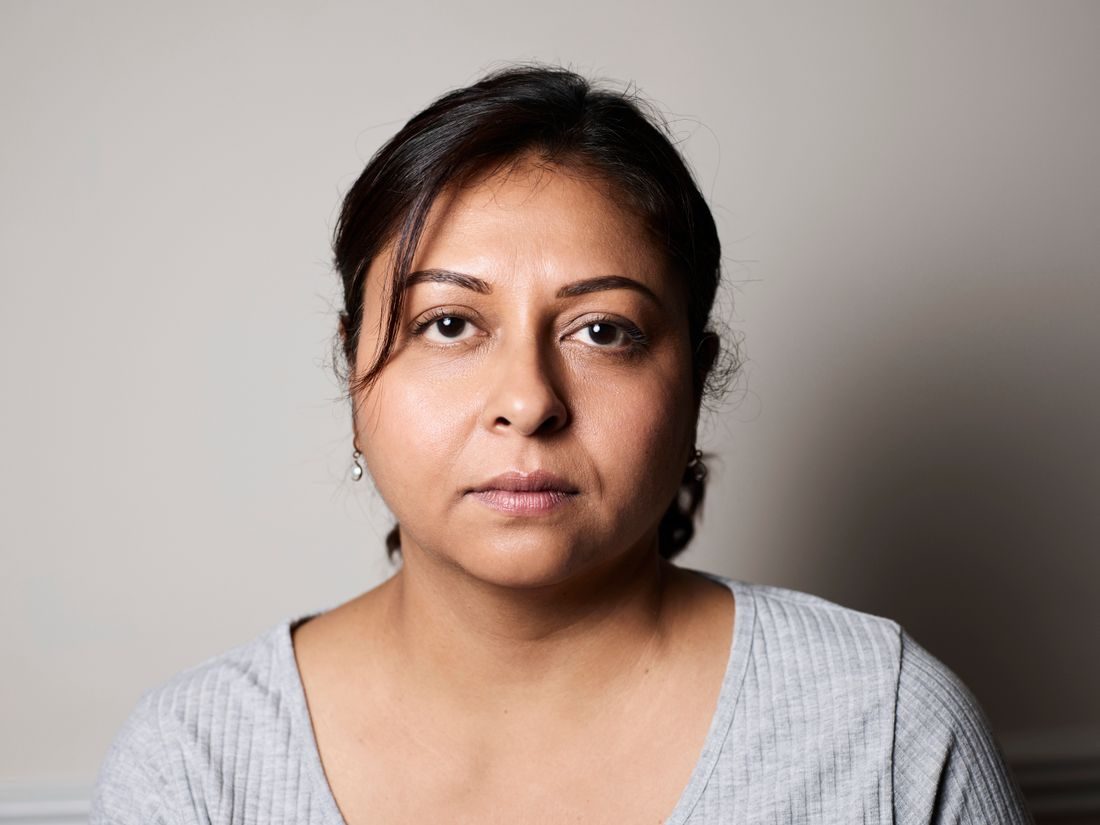
One photograph may need to appear as a square, a tall post and a wide preview. Simply trimming the same amount from every edge rarely works. Each shape changes the relationship between the subject and its surroundings. Preserve the original and make separate versions so a compromise for one format does not become the starting point for all the others.
Find the parts that must remain
Identify the essential information: a face, a complete product, a gesture or a line of text within the photograph. Also note the context that makes the subject understandable. A person holding a tool may need both hands and the object visible. Mark these priorities mentally before dragging the crop. If a required format cannot preserve them, choose another source image rather than repeatedly squeezing an unsuitable composition.
Build each crop from the source
Use the original full image for every version. Choose the needed aspect ratio in your editor and move the frame deliberately around the important information. Do not enlarge a small square export to create the tall version when the original contains more useful area.
Keep breathing room around heads and products. Compare where a crop cuts arms, furniture or objects: a small change can make an edge feel intentional instead of accidental. The subject does not need exactly the same apparent size in every format if that makes the composition less useful.
Allow for text and interface areas
If a layout will add a headline or caption, test it with the crop rather than leaving an arbitrary blank patch. Check the platform’s actual preview or publishing tool, because overlays and display treatments can change. Keep critical details away from areas that the specific interface covers. Do not assume the file’s complete boundary will always be visible in a feed preview. A composition that survives a modest additional trim is often easier to reuse.
Export, label and compare
Give each version a clear purpose in its filename and keep it separate from the master. Check the pixel dimensions required by the actual destination instead of relying only on shape. Open the exported files, view them at a small size and inspect text or delicate edges where relevant. Compression and downsizing can change how a photograph reads. Keep a simple note of the successful crops so another person does not have to reconstruct which version belongs where.
Several formats require several compositions, even when they share one photograph. Work from the full source, protect the information that matters and inspect the finished exports in their intended context. When a crop cannot carry the original story, use a different image rather than accepting a confusing fragment.