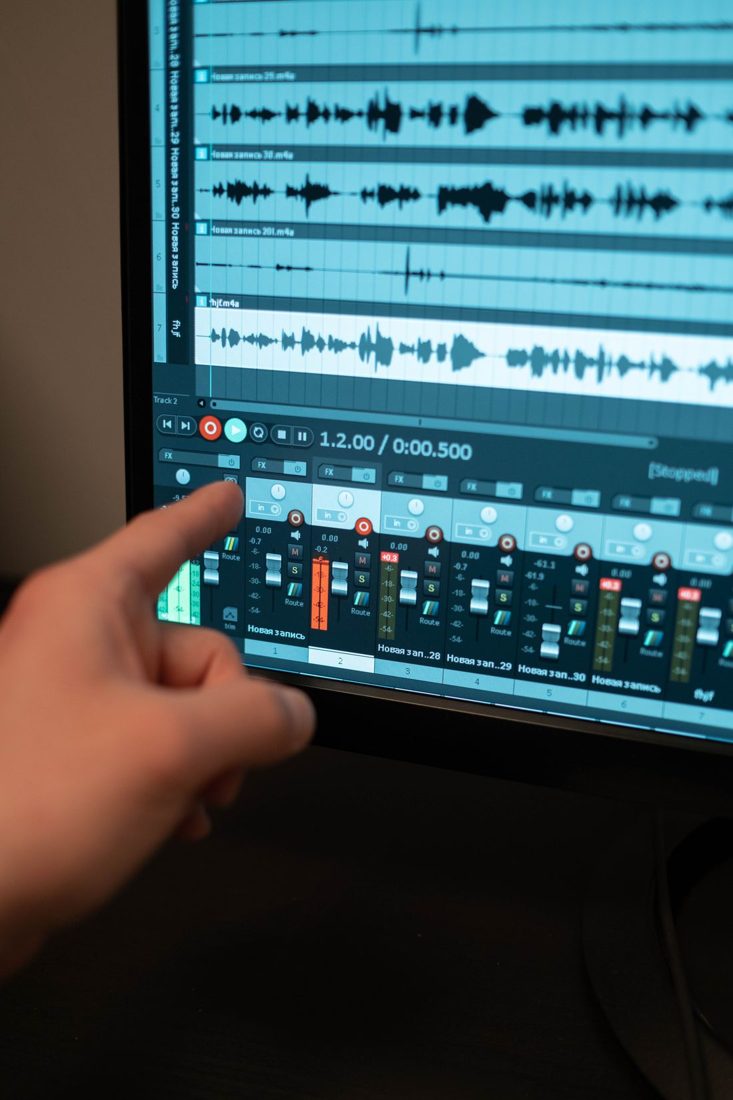
Strong noise reduction can make a recording sound quieter and less convincing at the same time. Watery, metallic or hollow speech may appear when processing removes too much alongside the unwanted sound. Begin with the source problem and test a modest correction on a representative passage. The voice should remain the main measure of whether the treatment helps.
Identify the noise you are treating
Listen for a steady hum, broadband hiss, intermittent traffic or room reverberation. These are different problems and may require different tools. Do not apply several repair effects simply because they are available. If the recording can be repeated under better conditions, compare that option before investing in aggressive restoration. A loud interruption overlapping an important word may not be removable cleanly, even when the quiet sections become much less noisy.
Start with a small representative test
Keep the original and choose a passage containing normal speech, a softer word and a pause. Apply a restrained amount of the relevant processing and preview it. Adobe’s restoration guidance emphasises balancing noise reduction against artifacts. Follow the tool’s instructions for any noise sample or analysis it requires.
Do not select a supposed noise-only area that also contains a breath or faint speech without understanding the consequences. Confirm what the tool is learning, and keep the processing reversible while you compare.
Judge the voice at a comparable level
Switch between treated and untreated versions at a similar listening volume. A louder result can seem clearer simply because it is louder. Listen to soft consonants, word endings and the natural body of the voice, not only the silent pause. If speech becomes metallic or seems to disappear into holes, reduce the processing and compare again. Some remaining background may be preferable to a voice whose intelligibility and character have been damaged.
Check the whole recording and the export
Settings that suit a steady opening may fail when the background changes later. Review different sections and make separate restrained adjustments where justified rather than forcing one strong treatment across everything. Listen in the context of any music or other programme sound. Export a sample and check it outside the editor before processing the full file. If the repair remains distracting, explain the limitation or use a replacement take rather than presenting artificial-sounding speech as a solved problem.
Useful noise reduction makes the recording easier to understand while leaving the voice believable. Work from an original, test gradually and compare speech rather than silence alone. Stop increasing the effect when its damage becomes more distracting than the remaining noise, and improve the source whenever a practical retake is available.