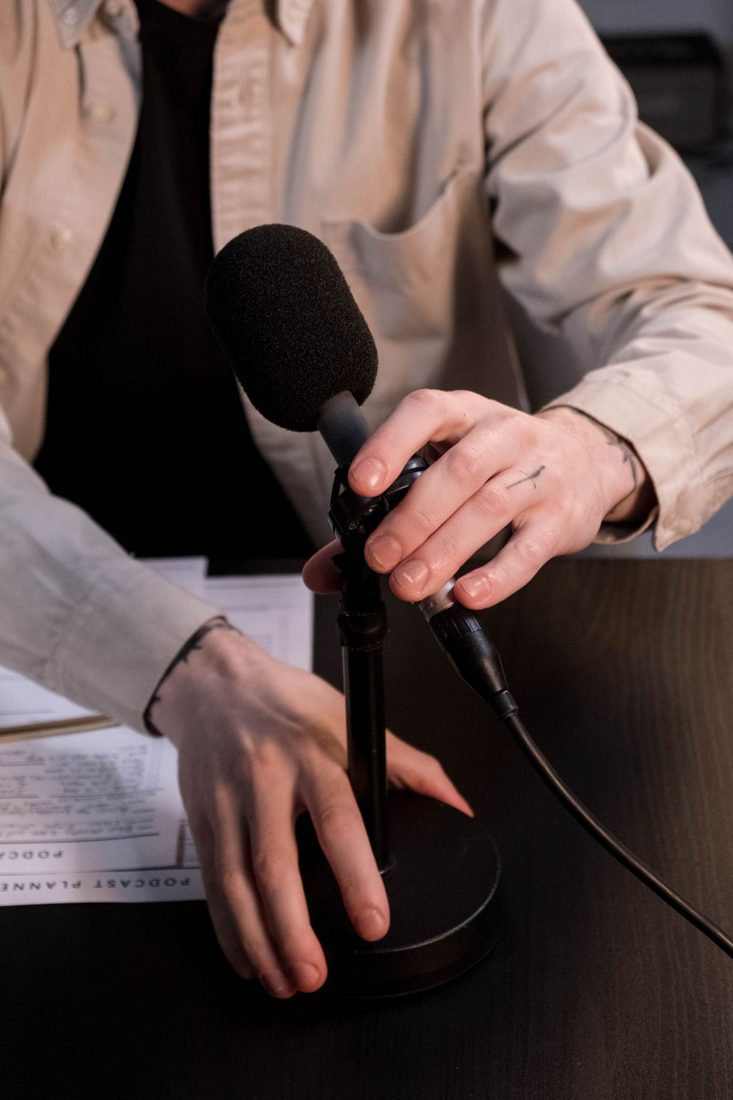
A voice can sound clean until the presenter types, shifts a notebook, or rests a hand on the table. Low bumps may reach the microphone through its support, even when those movements seem quiet in the room. Start by reproducing the problem. You need to discover which connection carries the disturbance before buying a stand, arm, or shock mount.
Make a short movement test
Record a normal sentence, followed by the actions you expect during the session: turning a page, touching the keyboard, or moving the mouse. Pause between actions and say what you are about to do. Listen to the recording rather than judging only by how the desk feels under your hand.
Inspect the microphone, stand, cable, and nearby objects. A cable rubbing against the stand or a loose accessory may create a similar disturbance. Tighten only the connections the manufacturer intends you to adjust, using the prescribed method. Avoid forcing joints in an attempt to make the whole arrangement rigid.
Remove unnecessary contact paths
Keep loose cable loops from knocking against the table or microphone body. Leave enough slack for normal movement without placing tension on the connector. Move mugs, keys, and other objects that can rattle away from the stand’s base. A simpler tabletop makes the cause of any remaining noise easier to identify.
If the desk itself moves noticeably, consider a compatible floor stand placed where it will not obstruct your feet. A desk-mounted arm still attaches to the desk; its height alone does not isolate it. Check clamp compatibility, load limits, and the desk manufacturer’s restrictions before fitting one.
Choose isolation for the actual microphone
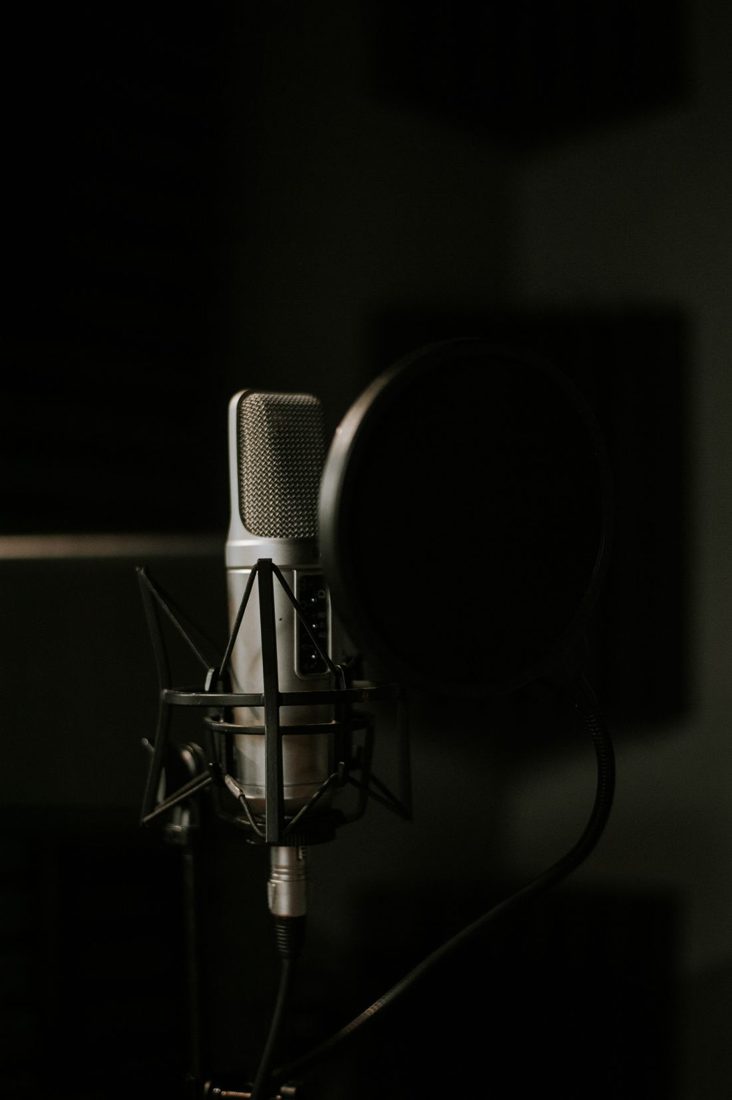
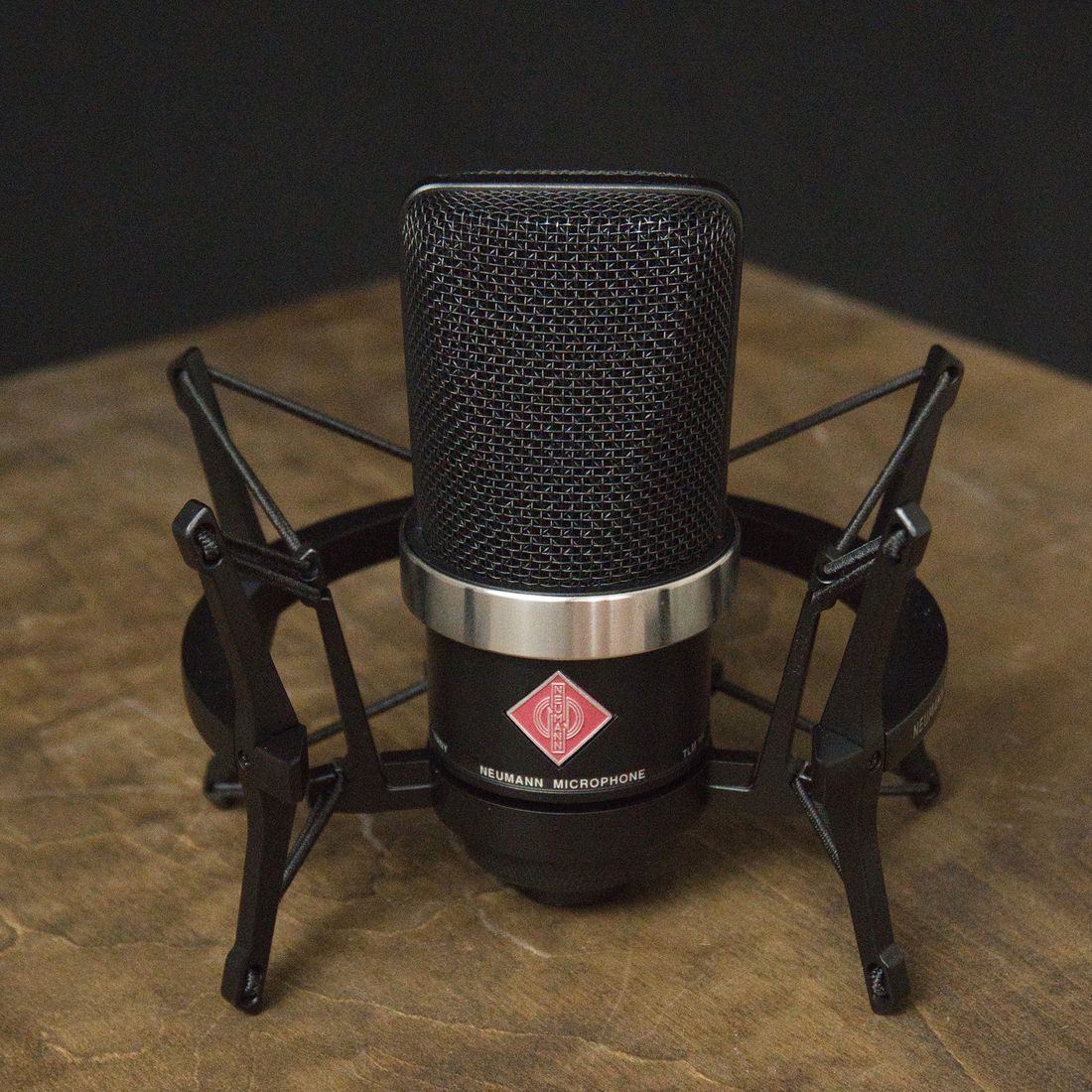
A suitable shock mount can reduce mechanical vibration reaching the microphone, but fit matters. Check the exact microphone compatibility and mounting requirements rather than choosing by appearance. Keep the cable from pulling tightly across the suspended part, and confirm that the microphone remains securely supported.
Repeat the actions in the finished setup
Record the same movement test after each useful change. Keep speech level and playback volume comparable. If typing still dominates, changing when you type may be more effective than adding another accessory. For a narrated screen demonstration, recording the narration separately can remove that movement from the voice session altogether. Choose the workflow that fits the project instead of expecting every support system to absorb every desk movement.
Once the bumps are controlled, rehearse a complete minute with the script and equipment in their final positions. Check that the arrangement is comfortable enough to maintain. A quiet stand is useful only when the presenter can speak, read, and operate the necessary controls without repeatedly disturbing it.